What is in stock now
The new drop, the restocked favourite or the thing you posted about this morning, at the top where thumbs land.
Shop links for independent sellers and small brands
Shop pages and product links · Digily Link
You sell on your own site, on a marketplace, at a market stall and in the replies to a post. That is four places and one clickable link in your profile. Point it at a digily.shop page, put everything on the page, and change the page rather than the link every time the stock moves.
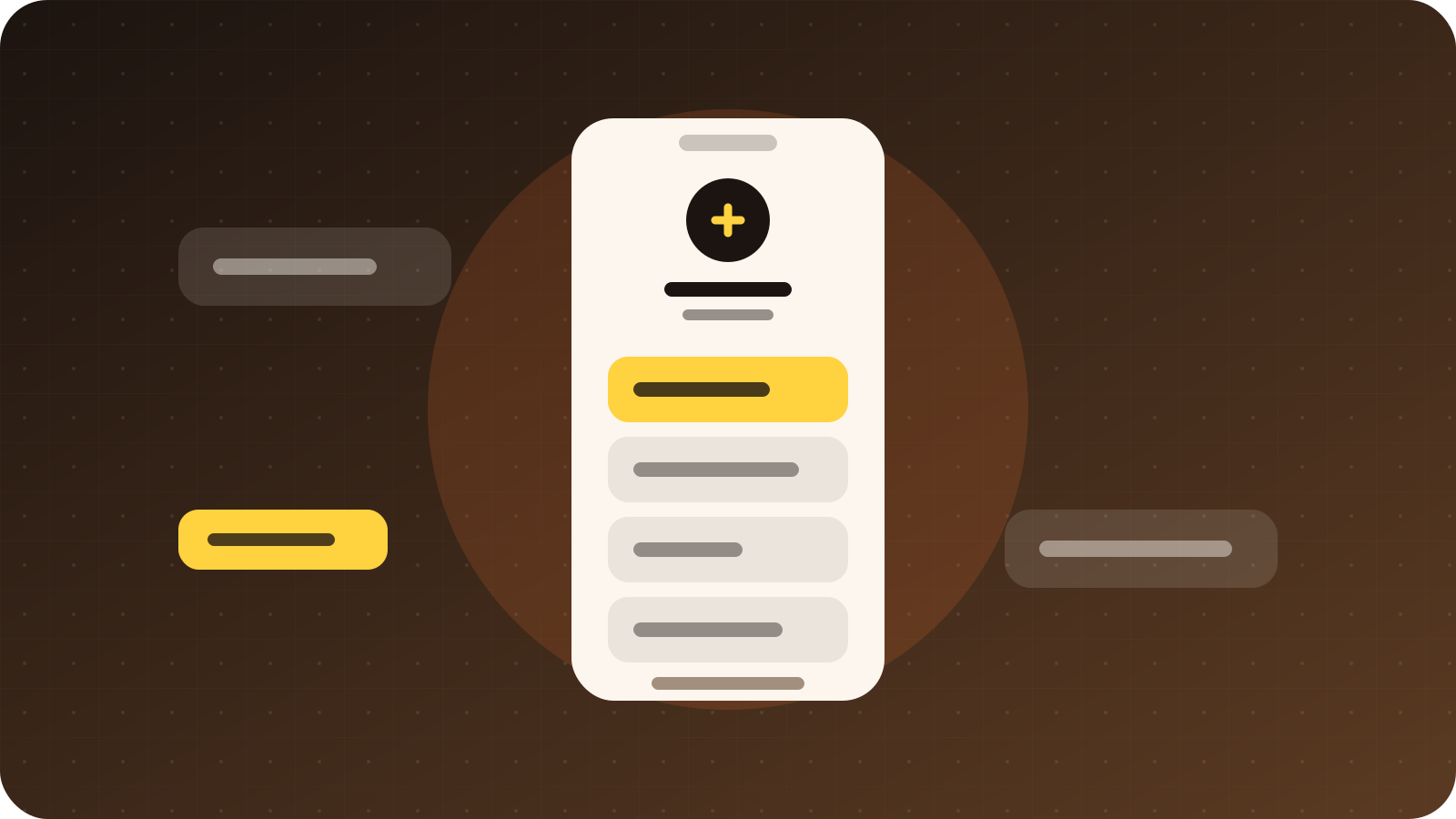
The new drop, the restocked favourite or the thing you posted about this morning, at the top where thumbs land.
Marketplace listings, stockists and the market you are trading at this weekend, grouped so the page stays readable.
Sizing, materials, postage, returns and care, so the same questions stop arriving one message at a time.
A wholesale enquiry form, a custom order request or a direct message link for anything that needs a conversation first.
Digily Link tools
A shop page is the visible part. These are the pieces that keep it useful when stock moves faster than your patience for admin.
Unlimited links and sections on one mobile page, reordered by dragging. Publish and it is live for everyone who already has the address.
Shorten any listing URL on the same domain, choose the ending, and repoint it when the product moves or comes back in a new colour.
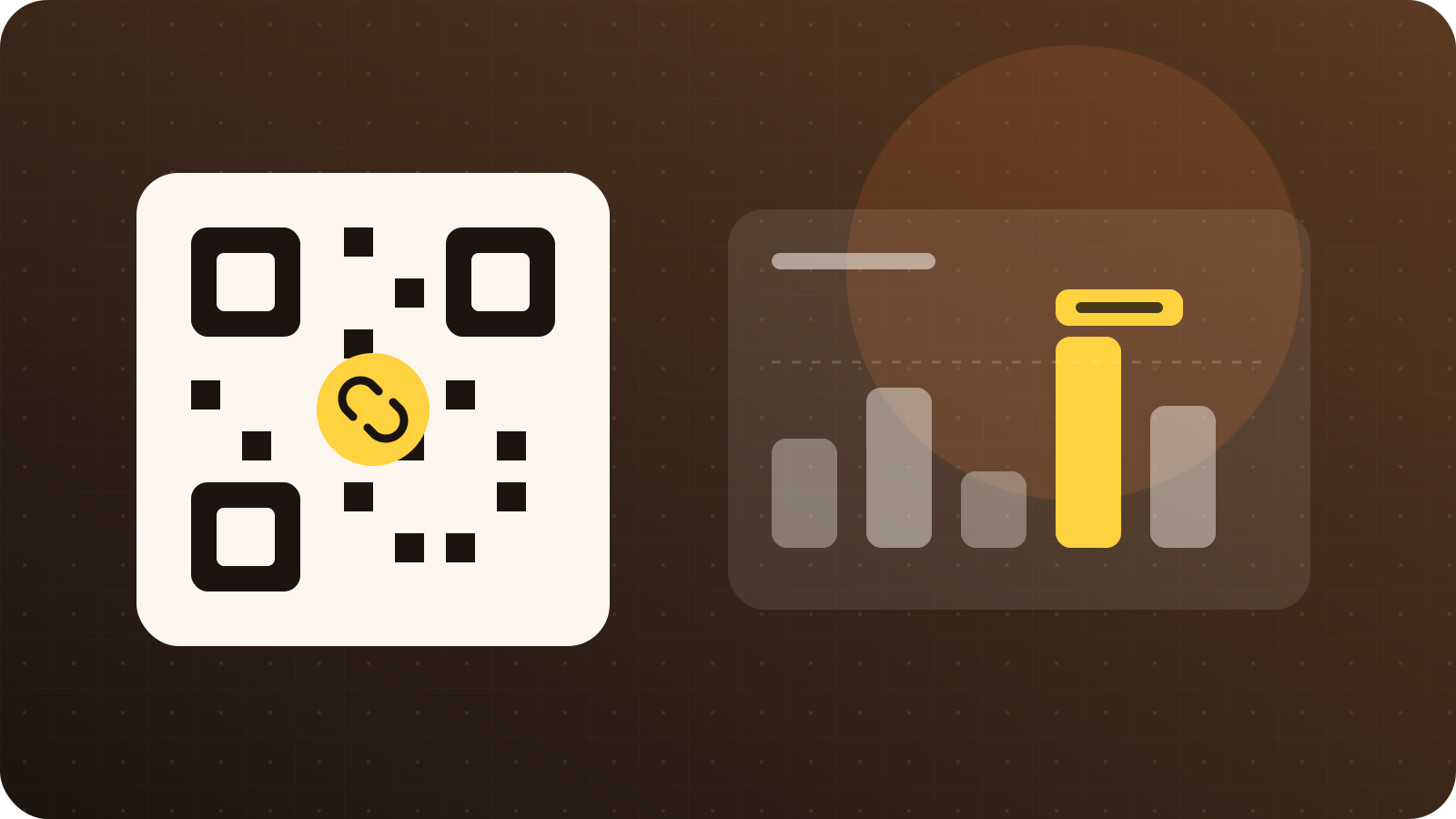
Put a code on the box, the swing tag or the receipt in your own colours, and change where it goes long after it has shipped.
Set a drop to appear at launch time and disappear when it sells out, so the page tidies itself while you are packing orders.
See which product, which platform and which country the taps came from, without a cookie banner in front of a buyer.
On eligible plans, connect Meta, Google Analytics, Google Tag Manager or TikTok measurement to follow what happens after the click.
Two ways to use it
Use the page when you sell more than one thing, and the short link when you are pushing one product hard. Most sellers end up running both.
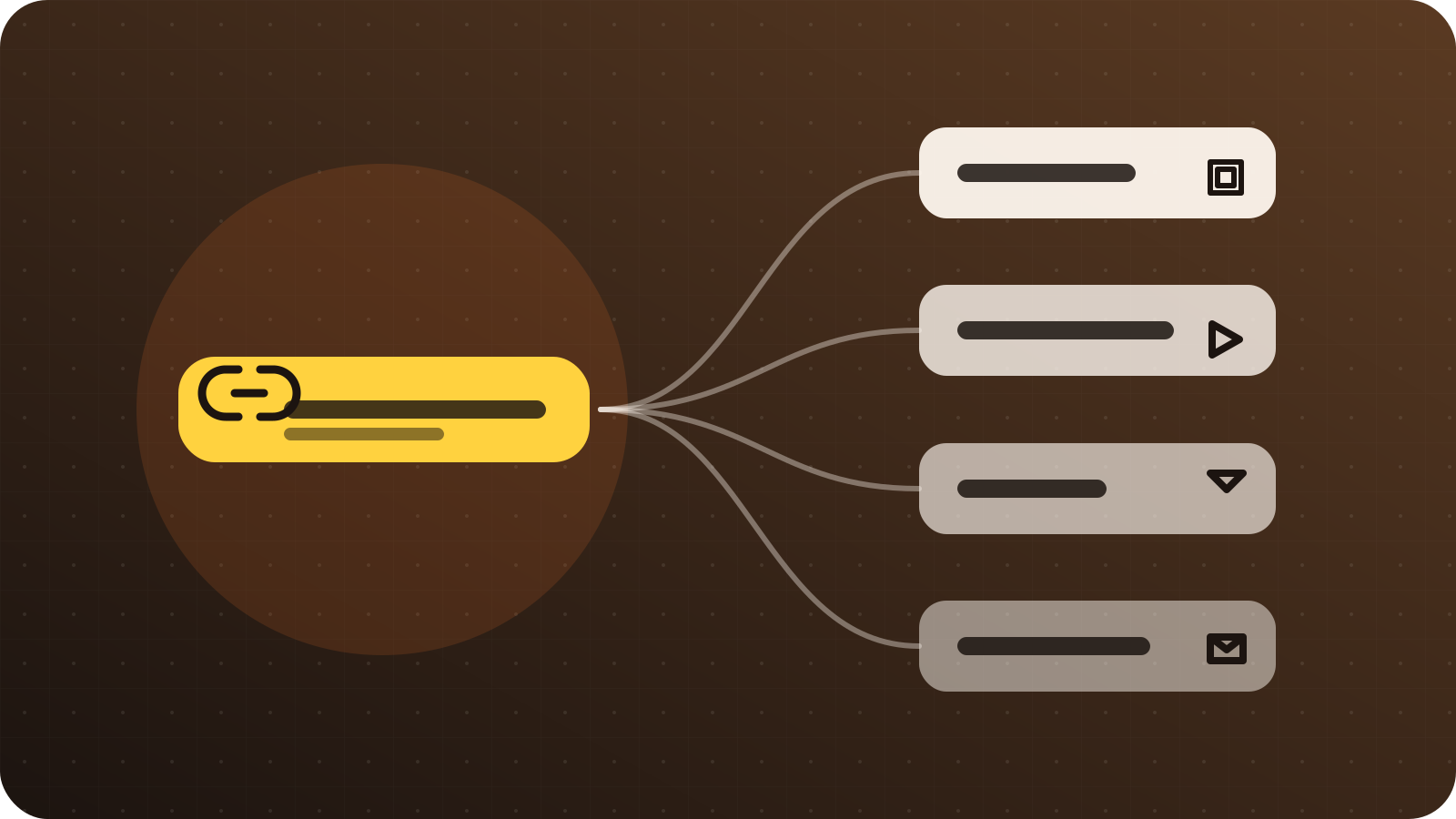
Several products
Create a Digily Link account and start a new bio link page.
Choose digily.shop from the domain list and pick the name that follows the slash.
Add your listings, group them into sections and put whatever you are posting about at the top.
Paste the address into every profile you sell from, once.
One product
Open the short link tool and paste the listing URL.
Select digily.shop and type an ending buyers can read, such as the product name.
Add an expiry date if it is a limited drop, or a country rule if postage differs.
Share it, print it on the packaging insert, and watch the taps arrive.
Domain → Digily Link → Sell
digily.shop is not a shopping platform and it does not take a cut of anything. It is one of the domains you can pick inside Digily Link when you build a bio page or shorten a link.
Your checkout stays wherever it already is. What changes is that the address people follow to get there belongs to you, and everything you send them through sits in one account with one set of statistics.
Take a look at Digily LinkWho reaches for it
Anyone selling in more than one place, where the stock changes faster than the links pointing at it.
The ending sets the expectation
A buyer decides whether to tap from the address alone. A .shop ending says there is something to buy at the other end, which no generic shortener manages in the same space.
Short and direct
What it is, what to put on the page, what it costs and how it fits with the platform you already sell on.
digily.shop is a domain you can choose inside Digily Link when you build a link in bio page or shorten a URL. It is not a marketplace, it does not host your checkout and it does not take a percentage of anything you sell.
Whatever you posted about most recently goes at the top, because that is what brought the visitor. Under it, the rest of what is in stock, then the answers people keep asking for, such as sizing and postage. Anything you would otherwise reply to individually belongs on the page.
Yes. The page holds links to wherever you sell, and a short link can point at any listing on any platform. Nothing needs to be connected or migrated.
Yes. Set a link to appear at launch time and disappear when the run ends, so the page updates itself while you are packing orders.
Yes, and it should be a dynamic one so the destination can change after the parcel has shipped. A code that asked people to review a product last month can ask them to see the new range this month, on the same printed box.
Yes. Statistics show clicks per link with country, city, device and the site or app people came from, in real time. Give each platform its own link and the answer becomes unambiguous.
Yes, within the limits of the free Digily Link plan, with no card required. Paid plans raise the limits and add features, and your address does not change when you move between them.
No. Click and scan statistics are collected without a tracking cookie, so nothing stands between a buyer and the product they came to see.
Start on Digily Link
Open a free account, build the page, and send every buyer to one address that you control. Change what is on it whenever the stock changes.